If you’ve seen clips of gravity-defying car flips, last-second goal saves, and raucous team celebrations from competitive soccer-car matches, you’ve probably wondered where to play Rocket League for yourself. The game’s blend of fast-paced arcade action, easy-to-learn mechanics, and deep competitive skill ceiling makes it a hit for casual players and pro competitors alike. You don’t need fancy gear to jump in, but picking the right platform for your playstyle, budget, and friend group will make your experience way more enjoyable. I’ve played Rocket League across four different devices over the last six years, so I’ve got first-hand insight into what works for every type of player.
Where to Play Rocket League: Core Platform Options Breakdown
There are three main categories of devices you can use to access the game, each with their own pros and cons for different play styles. PC (Epic Games Store) is the most flexible option for most players, with support for up to 240 FPS, fully customizable control settings, and access to community-made training packs that help you improve faster. You don’t need a high-end gaming PC to run it either – the game works smoothly on most budget laptops built in the last five years. The only downside is that you can’t use mods on official public servers, though they’re allowed in private custom lobbies with friends.
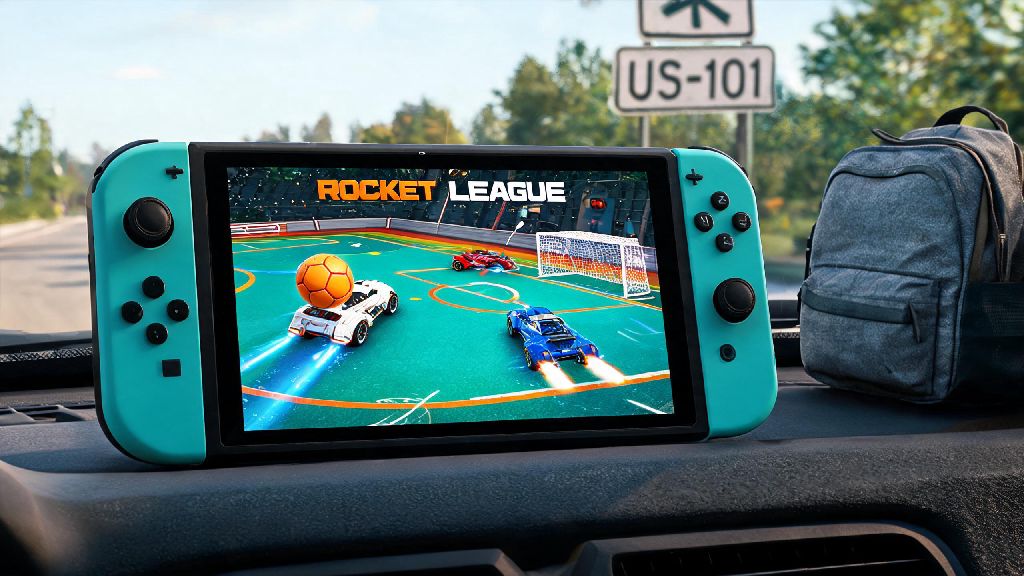
Console (PlayStation, Xbox, Nintendo Switch) is the most popular choice for players who prefer controller play and don’t want to mess with PC setup. All current and last-gen PlayStation and Xbox consoles support crossplay, so you can match with players on other devices no matter which console you pick. The Switch version runs at a lower 30 FPS in docked mode, but it’s fully portable, making it a great pick for people who travel often. No matter which of these options you pick when deciding where to play Rocket League, you’ll get access to all core game modes including casual, ranked, tournaments, and custom lobbies.
Mobile (Rocket League Sideswipe) is the official 2D mobile version of the game, designed for quick 2-minute matches on the go. It controls surprisingly well with touch controls, and you can even pair a Bluetooth controller if you prefer a more traditional feel. It’s completely free to download and play, and you can link your Epic Games account to unlock shared cosmetic items for your main PC or console account.
What to Consider When Picking Your Rocket League Platform
If you’re still unsure where to play Rocket League, run through this quick list to narrow down your options based on your priorities:
I used to play on Switch exclusively when I was traveling for work 3 days a week, and while the frame rate was lower than my PC, I could get in 3-4 quick matches every night in my hotel room that I would have missed otherwise. You don’t have to pick just one platform, either – linking your Epic Games account lets you carry over your rank, item inventory, and battle pass progress across almost every version of the game. So you can play on PC at home and Switch when you’re traveling without losing any of your progress.
Free Ways to Play Rocket League Without Paying Extra
If you’re on a tight budget and wondering where to play Rocket League without spending a dime, you’ve got lots of great options. Epic Games Store free download is the easiest option for PC players – the base game is 100% free, no purchase required, you just need a free Epic account to sign up. You don’t have to buy any DLC to access core game modes either, all casual and ranked playlists are available for free players, only cosmetic items and premium battle passes cost money.
Console versions are also free to download on PlayStation, Xbox, and Switch stores, though you will need an active PlayStation Plus or Xbox Live Gold subscription to play online public matches on PlayStation and Xbox. Switch players get a nice perk here – you don’t need a Nintendo Switch Online subscription to play Rocket League online, so you can play for free without any recurring costs. Many new players assume you have to pay to access the full game, but that’s not true no matter where you decide where to play Rocket League, as long as you meet the online subscription requirements for your device.
Rocket League Sideswipe is completely free on iOS and Android, no hidden costs, no subscriptions required for online play. You can unlock all core game modes and items just by playing, and there are no pay-to-win mechanics at all. It’s a great way to test out the game’s basic mechanics before you download the full version on PC or console if you’re still on the fence.
Hidden Perks of Each Rocket League Play Location
If you’re still torn on where to play Rocket League, these little-known platform perks can help you make your final call. PC players get access to thousands of free community-made training packs that let you practice specific skills like aerial shots, dribbling, and goal saves far faster than the in-game default training options. You can also customize your controller deadzone and sensitivity settings to a much more precise level than most consoles, which makes a big difference for high-level competitive play.
PlayStation players get exclusive Sony-themed cosmetics like Spider-Man decals, God of War wheel designs, and PlayStation logo banners that you can’t get on any other platform. These items are usually released for free during limited-time events, so you don’t have to pay extra to get them as long as you play on PlayStation during the event window.
Xbox players get regular free perks through Xbox Game Pass Ultimate, including free Rocket League credits, premium battle pass tiers, and exclusive cosmetic items every few months. If you already have Game Pass for other games, this is a great bonus that adds a lot of extra value to playing on Xbox. Switch players get optional motion control support, which is a fun way to play casual matches if you want a more immersive experience, and the game runs smoothly even in handheld mode for on-the-go play.
At the end of the day, where to play Rocket League comes down to what works for your lifestyle and what you want to get out of the game. If you want to grind ranked and compete in high-level tournaments, PC or a current-gen console is your best bet. If you just want to play quick casual matches with friends no matter where you are, Switch or Sideswipe will fit the bill perfectly. Don’t overthink your choice – you can always switch platforms later and keep all your progress, so jump in and start scoring those aerial goals as soon as you can.