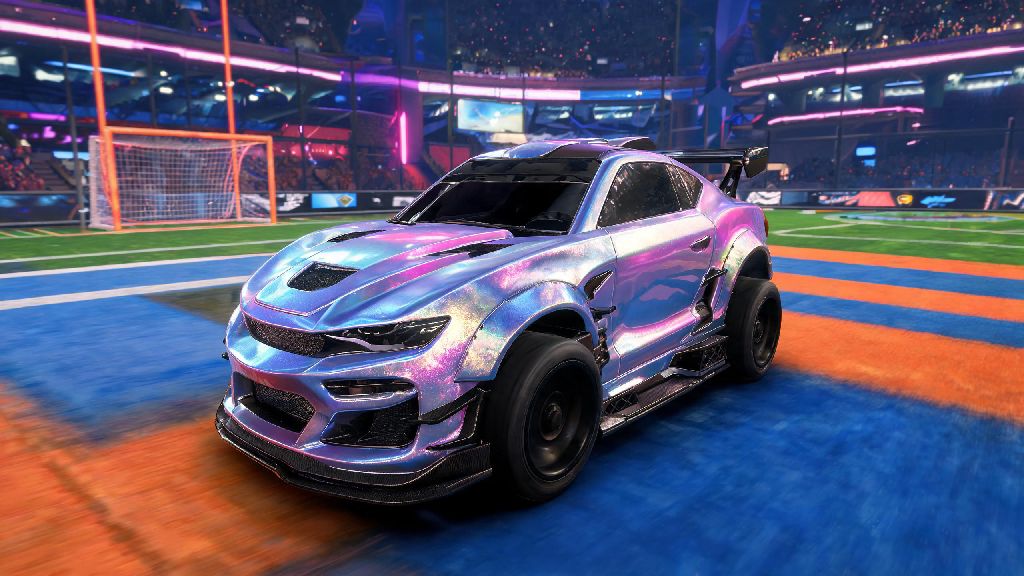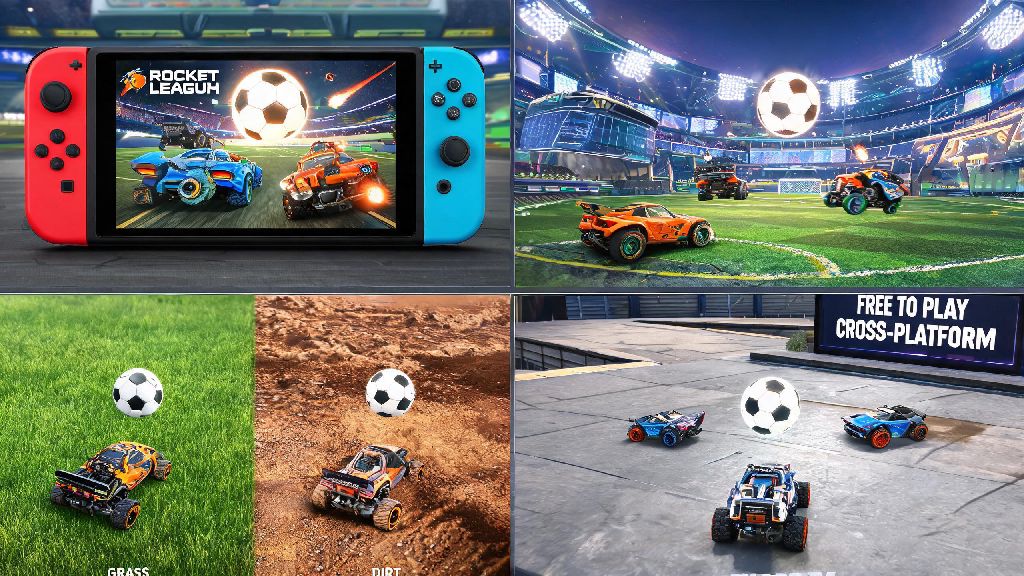
If you’re a Nintendo Switch owner scrolling the eShop looking for your next multiplayer obsession, you’ve probably wondered is Rocket League free on Switch, especially since the game blew up as a cross-platform favorite for casual and competitive players alike. The soccer-meets-vehicular chaos title has been around for years, and its pricing model has shifted a lot since launch, so it’s normal to be confused about what you actually get for free, and what you’ll have to shell out extra for. I’ve been playing Rocket League on my Switch for three years, both on road trips and at home with friends, so I’m breaking down exactly what you can expect, no hidden fine print.
Is Rocket League Free on Switch? Breaking Down the Base Game Access
The short answer is yes, the full core Rocket League experience is completely free to download and play on Nintendo Switch, no upfront purchase required. Psyonix switched the game to a free-to-play model across all platforms back in 2020, and that policy applies fully to the Switch version, with no platform-specific paywalls for core gameplay. If you’re only planning to play casual local matches with friends on your couch, is Rocket League free on Switch even without a Nintendo Switch Online subscription? Yes, you can play all offline modes and local split screen for free, no extra costs needed.
The only mandatory extra cost you’ll encounter is if you want to play online matches against other players around the world. Like most online Switch games, you’ll need an active Nintendo Switch Online subscription to access online casual, competitive, and event matches, but that’s a platform-wide requirement, not a fee specific to Rocket League. You do not need to pay anything upfront to download and play the base Rocket League experience on Switch, even if you never plan to play online.
When you download the free base game, you get access to all of the following, no extra purchases required:
What Paid Content Is Available for Rocket League on Switch?
All paid content for Rocket League on Switch is completely optional, and none of it gives you an advantage in actual matches. The vast majority of paid items are cosmetic, meaning they only change the look of your car, goal explosion, or user interface, with no impact on handling, speed, or performance. None of the paid content gives you a competitive edge in matches, so you never have to spend money to keep up with other players.
The most common paid purchases are the seasonal Rocket Pass, which costs around $9.99 per 3-month season and unlocks extra cosmetic rewards, credits, and exclusive items as you level up. You can also buy individual cosmetic packs, like licensed car packs featuring vehicles from Fast & Furious, Batman, and other franchises, or purchase in-game credits to buy items from the rotating daily item shop.
If you’re looking to earn extra in-game cosmetics without spending real money, you can grind weekly and seasonal challenges, or take short breaks between ranked matches to play casual mini games that sometimes reward free Rocket League credits or items for participating. Many players I know use quick, low-stakes games to unwind after a tough losing streak, and a popular pick for 5-minute breaks between queues is Spin Winner, which fits perfectly into short gaps when you don’t want to commit to a full match.
Players who owned a paid copy of Rocket League before it switched to free-to-play also get access to the free Legacy Pack, which includes exclusive cosmetics, 1000 free credits, and a special in-game title to mark their early support of the game. That pack is automatically applied to any account that played the paid version on any platform, as long as you link the correct Epic Games account to your Switch profile.
How to Download Rocket League for Free on Your Switch
Downloading the free base game on your Switch only takes a few minutes, as long as you have enough storage space available. The full game download is around 7GB, so make sure you have space on your Switch’s internal storage or a compatible microSD card before you start. If you’re low on space, you can delete old games you don’t play anymore to make room, since Rocket League is well worth the storage.
To download the game, first turn on your Switch and navigate to the Nintendo eShop from the home menu. Make sure you’re signed into the Nintendo account you want to use for your Rocket League play, then use the search bar to look up “Rocket League”. Select the official listing from developer Psyonix, then click the “Free Download” button on the listing page. The game will start downloading automatically, and you’ll get a notification when it’s ready to play.
When you first open the game, you’ll be prompted to link an Epic Games account if you have one. Linking your account will sync all your progression, items, and rank from any other platforms you play Rocket League on, so you don’t have to start over from scratch on Switch. Always make sure you’re downloading the official listing from developer Psyonix to avoid fake game downloads or unwanted extra charges, since there are a lot of knockoff games on the eShop with similar names.
Tips for Getting the Best Rocket League Experience on Switch
The Switch version of Rocket League is optimized really well for portable play, but there are a few small tweaks you can make to get a smoother, more enjoyable experience, especially if you play competitive ranked matches. First, note that the game runs at 60 frames per second when docked to a TV, and 30 frames per second in handheld mode. If you’re playing competitive matches where reaction time matters, playing docked will give you a smoother, more responsive experience.
Second, adjust your controller sensitivity as soon as you start playing. The default Joy-Con sensitivity is way too high for most new players, making it hard to control your car in the air or hit accurate shots. I used to play with default Joy-Con sensitivity when I first started, and I couldn’t hit an aerial to save my life until I lowered it down to 1.3, so don’t be afraid to mess with settings to find what works for you. If you play mostly handheld, invest in a scratch-resistant screen protector to avoid damage during intense matches where you might grip your Switch tighter than usual.
If you’re a new player and feel like you’re getting crushed by more experienced players from other platforms, you can turn off cross-platform play in the settings menu. That will only match you against other Switch players, which tends to be a more level playing field for beginners until you get the hang of the game mechanics. If you play regularly, consider picking up a Nintendo Switch Pro Controller, as Joy-Con drift can mess up your shots and aerial control over time, and a more ergonomic controller will make long play sessions more comfortable.
Linking your Epic Games account is 100% worth it if you play Rocket League on any other device, as you won’t lose any of your unlocked items or rank progress when you switch platforms. You can even link your account to mobile versions of the game if you want to practice your mechanics on the go without pulling out your Switch.
At the end of the day, if you were wondering is Rocket League free on Switch, the answer is a resounding yes for all core gameplay, with only optional cosmetic purchases and the standard Nintendo Switch Online subscription for online play as extra costs. It’s one of the best cross-platform multiplayer games you can grab for free on the Switch, perfect for quick 10-minute matches on road trips or long gaming nights with friends. You don’t have to spend a cent to enjoy hundreds of hours of chaotic, fun gameplay, so if you haven’t tried it yet, head to the eShop and download it today.