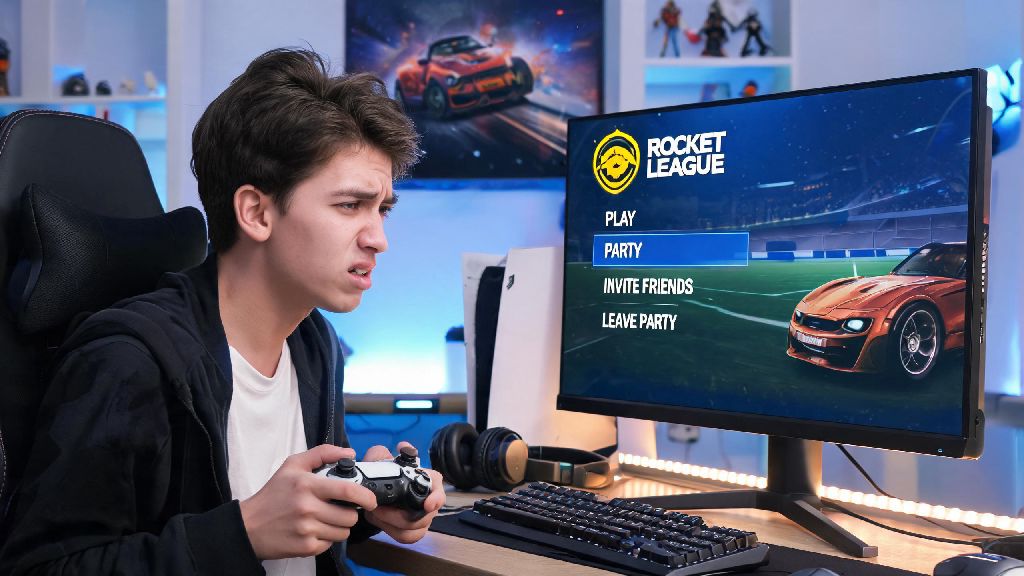
There’s nothing more annoying than being stuck in a Rocket League party when you need to rush off to handle something IRL, or just want to switch over to solo ranked play without your friends tagging along. I lost my spot in a free tournament my first year playing because I spent 10 minutes clicking every menu button trying to figure out how to leave party in Rocket League, instead of just looking for the right option. This guide breaks down every exit method for every platform, plus fixes for the most common glitches that make leaving a group feel impossible. We’ll also cover small tweaks to avoid accidentally leaving a party mid-queue when you don’t mean to.
How to Leave Party in Rocket League: Platform-Specific Steps
The process for exiting a party is almost identical across all devices, but small menu layout differences can make it hard to find the right button if you’re switching between console and PC for the first time. The party tab is always marked with a small icon of two people, no matter what platform you're playing on, so that’s the first place you should look when you’re ready to leave. For PC players on Steam or Epic Games Launcher, open the party tab from the main menu or in-game pause menu, click the three dots next to your own username, and select “Leave Party” from the dropdown list. For PlayStation, Xbox, and Nintendo Switch players, open the social menu with your controller’s designated social button, navigate to your active party, select your profile, and choose the leave party option. You don't need to kick other party members to leave the group yourself, even if you’re the original party leader – leadership automatically passes to the next player in the group when you exit.
Common Rocket League Party Exit Errors and How to Fix Them
Even if you follow the steps perfectly, you might run into glitches that stop you from leaving a party cleanly. These bugs are usually tied to temporary server desyncs or corrupted game files, and almost never require a full account reset or re-install. I’ve run into every single one of these errors at least once, and these fixes work for every platform I’ve tested them on:
So if your leave button isn’t working, don’t panic and close the whole game right away. Try these quick fixes first, and you’ll be out of the party in less time than it takes to load a standard casual match. If none of these fixes work, the issue is almost always on Rocket League’s server side, and you’ll just have to wait 10 to 15 minutes for their team to resolve the outage.
Important Things to Know Before Leaving a Rocket League Party
There are a few small consequences to leaving a party that most players don’t find out about until after they click the button, and a couple of them can cost you a tournament spot or ranked queue position. If you're mid-queue for a competitive match, leaving the party will cancel your queue immediately, so you don’t have to worry about being pulled into a game you can’t play after you exit the group. If you’re the party leader, leaving will automatically pass leadership to the longest-standing member of the party, so you don’t have to manually assign a new leader before you go. If you’re in an active tournament lobby, leaving the party will remove you from the tournament entirely, even if the first match hasn’t started yet. That means you won’t be able to rejoin later if you change your mind, so double check you’re ready to exit before you click the button. Leaving a party doesn’t unfriend anyone on your friends list, or block you from joining the same group later, so you don’t have to worry about offending your friends if you need to dip early.
How to Avoid Accidentally Leaving a Rocket League Party Mid-Session
It’s way more common than you think to click the leave party button by mistake when you’re just trying to adjust your party privacy settings or invite a new friend. I’ve done it twice in the middle of ranked queues, and it cost me 10 minute queue delays both times. Turn on the party exit confirmation prompt in your social settings first – it’s a hidden feature most players don’t know about, and it will pop up a small box asking you to confirm before you leave any party, eliminating accidental exits entirely. If you play on controller, you can also remap the social menu button to a less accessible spot if you find yourself opening it by mistake during intense matches. If you do accidentally leave a party, don’t panic. Just ask the current party leader to send you a new invite, and you’ll be back in the group in 10 seconds as long as they haven’t started a new match already. You can also rejoin the group through your recent players list if you don’t have the leader added as a friend.
At the end of the day, figuring out how to leave party in Rocket League doesn't have to be a frustrating process, even when you're in a hurry to log off or switch play modes. The steps are simple no matter what platform you play on, and most exit glitches can be fixed in less than a minute with the quick tricks we covered. Next time you’re in a group and need to dip, you won’t have to fumble through the menu like I did my first few months playing. If you run into a rare glitch we didn’t cover, dropping a note in the official Rocket League support forums usually gets you a tailored fix within a few hours.