If you’ve logged on for a quick casual match only to get booted mid-play, stuck in an infinite queue, or hit with unexplained frame drops, you’re probably asking what's wrong with Rocket League. The high-octane soccer-car hybrid has maintained a loyal player base for nearly a decade, but recent updates, cross-platform expansion, and shifting server loads have left a lot of fans frustrated with inconsistent performance. I’ve been playing Rocket League daily for 7 years, climbing to Grand Champion rank in both 2v2 and 3v3 queues, so I’ve run into nearly every issue imaginable firsthand. This guide breaks down the most frequent problems plaguing the game right now, plus actionable fixes you can try in minutes to get back to scoring hat tricks without hassle.
What's Wrong With Rocket League Right Now? The Most Reported Player Issues
Most of the complaints popping up in community spaces and official support threads fall into four broad categories: server outages, matchmaking imbalances, technical performance bugs, and unpopular gameplay design choices. I track the official Rocket League support account and the main game subreddit weekly, and these issues have stayed at the top of the complaint list for the past three months. Psyonix rolls out patches every 2 to 4 weeks to address known bugs, but some problems stick around for months if they don’t get enough traction from the player base. It’s also worth noting that issues spike heavily right after new season updates drop, as the dev team works out kinks from the new code and asset additions.
Not all problems you run into are the fault of the game, of course. Sometimes spotty home internet or outdated console/PC software can cause issues that look like they’re coming from Rocket League’s side. The first step to fixing any problem is ruling out issues on your end before reaching out to support, which we cover in more detail later.
Server & Matchmaking Problems That Ruin Queue Sessions
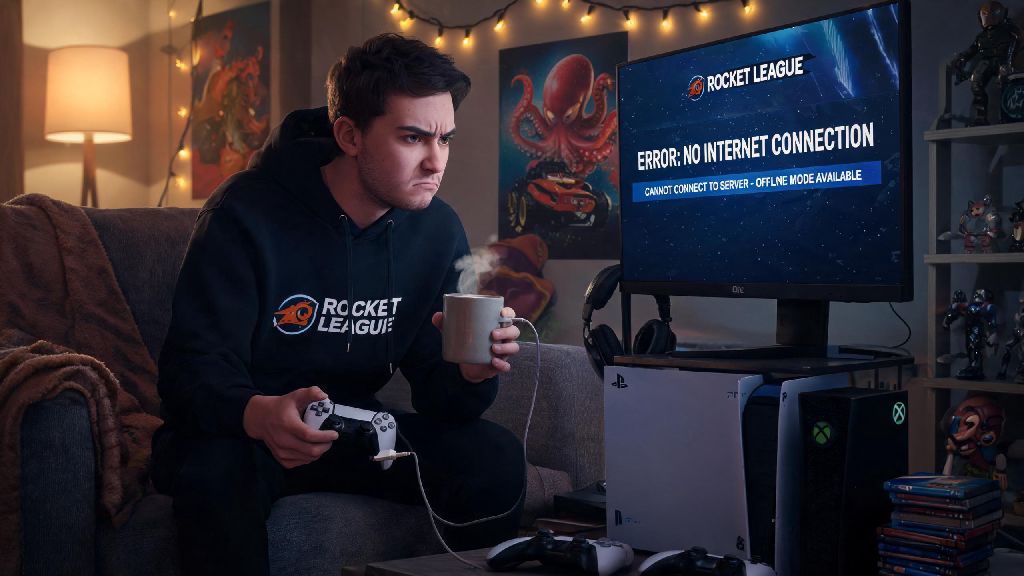
Server and matchmaking issues are the most widespread complaints right now, affecting players across all platforms and rank brackets. Server lag and rubber banding tops the list, especially for players in cross-platform lobbies. Since cross-play became the default setting a few years ago, servers have to process input from up to 8 different devices across 4 separate platforms, which often leads to desync that hits even players with gigabit internet speeds. I’ve had matches where my car teleports halfway across the field out of nowhere, even when my internet speed test shows 0 packet loss.
Infinite matchmaking queues are another common headache, especially for less popular modes like Rumble, Dropshot, or Hoops. In low-population regions, wait times for these modes can stretch to 10 minutes or more, and sometimes the queue will time out completely with no match found. Rank mismatches are also rampant in lower and mid ranks right now, with Bronze and Silver players regularly getting paired against Platinum or even Diamond players. This stems from a recent MMR reset that didn’t account for hundreds of thousands of inactive accounts returning to the game after a break, throwing the rank distribution completely out of whack.
If you’re running into consistent server or matchmaking issues, try these quick checks first before diving into deeper troubleshooting:
- Check the official Rocket League server status page before troubleshooting your own connection to rule out widespread outages
- Switch your in-game server region to a secondary nearby option if your primary region is showing high load or high ping
- Turn off cross-play temporarily if you’re experiencing consistent desync in every match, as cross-platform lobbies are far more prone to lag
Performance Bugs That Break Immersive Gameplay
Even if you get into a match without queue or server issues, performance bugs can ruin your experience before you even take your first shot. Unprompted frame drops are a top complaint for PC and console players alike, even on high-end hardware that ran the game at 144fps consistently a year ago. The recent addition of elaborate new cosmetic bundles and dynamic map updates have added unoptimized assets that hog RAM and GPU resources, even if you have all extra cosmetic effects turned off in your settings. I play on a PC with a RTX 3080 and 32GB of RAM, and I still get random frame drops to 60fps on the new Neo Tokyo map if I have too many background apps open.
Input lag spikes are another infuriating issue, where your car doesn’t respond to jump, boost, or flip inputs for 1 to 2 seconds, usually right as you’re going for a game-winning shot or save. I once lost a Grand Champion qualifier match because my car didn’t register a boost input right as I was going to save a last-second shot, so I know how frustrating this specific bug can be. The only temporary fix I’ve found for this issue is closing and restarting the game completely between ranked sessions to clear out cached data.
Cosmetic bugs are less game-breaking but still annoying, especially for players who spend money on premium items. Premium goal explosions, decals, and car skins often fail to load mid-match, or appear as default items for other players in the lobby. Psyonix has acknowledged this bug in multiple patch notes, but hasn’t given a concrete timeline for a permanent fix yet. If you’re running into consistent performance issues on PC, try setting your texture quality to medium if you have less than 16GB of RAM, as high texture settings are the leading cause of unexpected crashes right now.
Gameplay Design Choices That Have Split the Community
Not all the issues people complain about are bugs. A lot of the recent frustration with Rocket League stems from intentional design choices that have alienated long-time players. Overpriced cosmetic bundles have been a big point of contention for months, as new premium bundles cost $20 to $25 and only include one car, a single goal explosion, and a couple of decals. I’ve spent hundreds of dollars on Rocket League cosmetics over the years, but these new bundles feel like a ripoff compared to older bundles that gave you 10+ items for the same price. The seasonal battle pass also has far fewer free unlocks now, with most of the desirable items locked behind the premium paid track.
Another common complaint is the removal of popular limited-time modes like Heatwave and Hoops from the regular rotation. Psyonix has instead pushed new, less popular modes that most players don’t enjoy, only bringing back fan-favorite modes for 1 to 2 week windows once or twice a year. I’ve seen dozens of threads on the main Rocket League subreddit asking for Heatwave to be added as a permanent mode, but the dev team has repeatedly ignored these requests.
Lack of smurfing enforcement is another huge issue for the competitive community. High-rank players making new accounts to stomp low-rank lobbies are still extremely common, with very few bans being issued for this behavior even when players submit clear video proof. The current in-game reporting system makes it hard to flag smurfs, as you can only report players for toxic chat, not for intentional rank manipulation. This has led to a lot of new players quitting the game before they even learn the basics, as they keep getting matched against players with thousands of hours of experience on smurf accounts.
At the end of the day, most of the frustrations people have when asking what's wrong with Rocket League boil down to growing pains as the game expands to more platforms and adds new content for its millions of monthly players. Most bugs can be fixed with a quick restart or settings adjustment, and Psyonix usually addresses the most widespread issues within a few weeks of them being reported. If you’re running into a problem that isn’t fixed by the tips we covered, make sure to report it through the in-game support tool, as more reports make it more likely the dev team will prioritize a fix. Even with its current flaws, Rocket League is still one of the most unique, addictive competitive games out there, and a few minor bugs don’t take away from the joy of pulling off a perfect aerial goal with your friends.