If you’ve scrolled through Xbox’s game library looking for your next casual competitive fix, you’ve probably asked yourself is Rocket League free on Xbox at some point. I’ve been there too, back when I first got my Series S and was trying to fill my library without draining my bank account. Rocket League’s mix of soccer and rocket-powered cars has kept players hooked for years, and it’s easy to see why it’s one of the most searched games on the Xbox store. I’ve tested every access route for the game on both Xbox One and Series X/S, so I can break down exactly what you can get for free, what costs extra, and how to avoid unnecessary charges as you play.
Is Rocket League Free on Xbox? Breaking Down Base Game Access
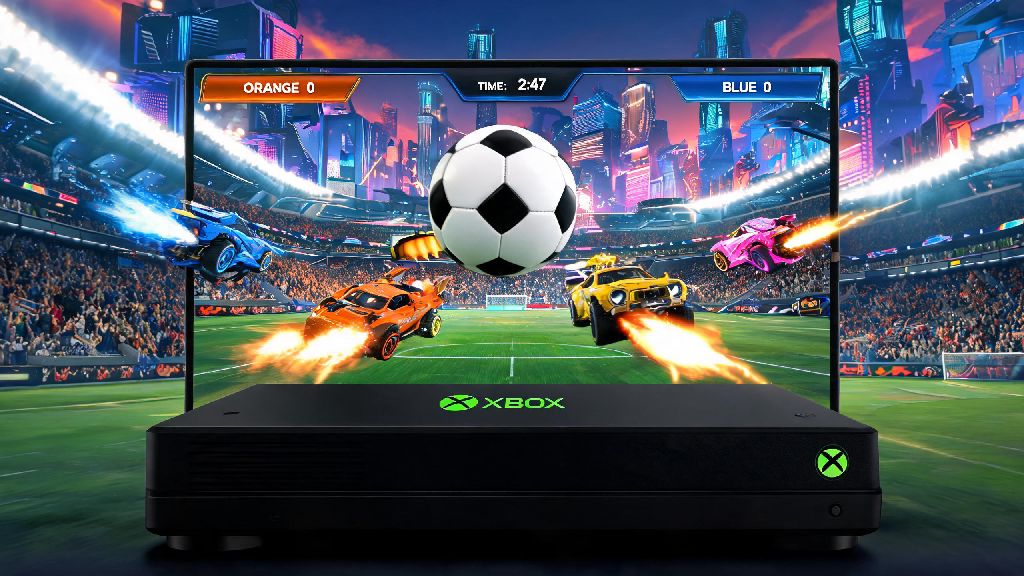
So if you’ve been asking is Rocket League free on Xbox because you don’t want to pay upfront for a new game, you’re in luck. The full base version of Rocket League has been 100% free to play on all Xbox consoles since 2020, and there are no hidden fees to access core gameplay. You don’t even need a paid Xbox subscription to play online with friends, which is a common misconception a lot of new players have. You do not need an active Xbox Game Pass or Game Pass Core subscription to download or play the base Rocket League game on Xbox.
The only requirement to play is a free Xbox profile and a linked free Epic Games account, which takes less than two minutes to set up if you don’t already have one. When you search for Rocket League on the Xbox store, you’ll see multiple listings, so make sure you select the one marked “Free” directly under the game title. Some listings are paid bundles that include extra in-game content, so double check before you hit download to avoid accidental charges. If you owned Rocket League before it switched to free to play, you’ll also get access to exclusive legacy cosmetic items when you sign in on Xbox with the same account you used previously.
What Paid Rocket League Content Is Available on Xbox?
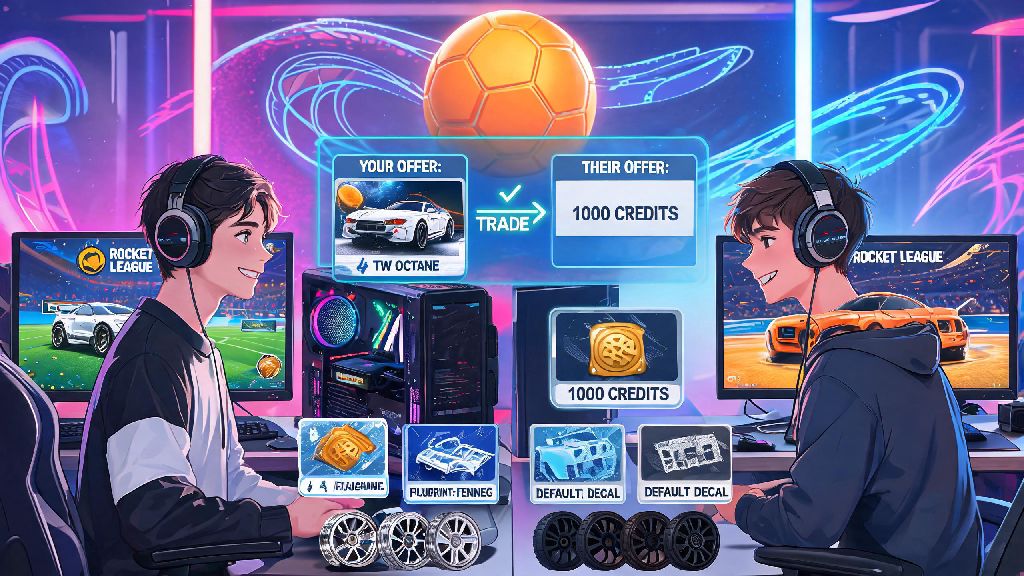
While the core game is entirely free, there is optional paid content you can purchase if you want extra customization options or bonus rewards. None of this content is required to enjoy the game, and it doesn’t give you any competitive edge over other players, so you can easily play for hundreds of hours without spending a cent. Most paid content is purely cosmetic, letting you customize your car’s appearance, goal explosions, decals, and more to stand out in matches.
The most common paid purchases for Rocket League on Xbox include:
If you do decide to spend money on extra content, you can shop around for limited time sales in the Xbox store or in-game item shop to get better deals on credits and bundles. None of the paid content gives you a competitive advantage over other players, and all core gameplay modes are available for free. That means you can climb the competitive ranked ladder, play all casual game modes, and join official tournaments without ever paying a dime.
Common Mistakes to Avoid When Downloading Rocket League on Xbox
Even though the base game is free, a lot of new players run into avoidable issues when they first try to download it on Xbox. The most common mistake is clicking the wrong store listing, as I mentioned earlier. Paid bundles often show up first in search results, and they don’t always make it obvious that a free base game option exists. Take an extra 10 seconds to check the price tag under the listing before you confirm your download.
Another common mistake is assuming you need a paid subscription to play online. Microsoft dropped the Xbox Live Gold requirement for all free to play games a few years ago, so you just need a basic free Xbox profile to join online matches with friends or random players. Some players also forget to link their existing Epic Games account to their Xbox profile, which means they lose access to all their existing progress, items, and ranks from other platforms. If you accidentally purchase a paid bundle when you meant to download the free base game, you can request a refund from Xbox support within 14 days of purchase as long as you haven’t used any of the included content.
You should also avoid buying credits as a new player until you’ve explored all the free reward options. The game gives out tons of free cosmetics, credits, and items just for playing matches and completing basic challenges, so you might not need to buy anything for months if you’re happy with the free rewards. There’s no rush to spend money, especially when you’re still learning the basics of the game.
Tips to Get the Most Out of Free Rocket League Gameplay on Xbox
You don’t need to spend money to have a great time with Rocket League on Xbox, and there are plenty of ways to unlock extra content without paying. First, make sure you complete your daily and weekly challenges every time you log on. These challenges are usually simple, like scoring 3 goals in casual matches or winning 2 games with a friend, and they give you experience, free items, and even credits as rewards. You can earn up to 300 free credits per season just by completing challenges on the free Rocket Pass track.
You should also join the free in-game tournaments that run every few hours. These tournaments are separated by skill level, so you’ll only play against players around your same rank, and the top teams win exclusive tournament tokens, rare cosmetics, and even free credits. It’s a great way to test your skills and get extra rewards without spending anything. If you play Rocket League on other platforms like PC, Switch, or PlayStation, make sure you link the same Epic Games account to your Xbox profile to carry over all your existing progress and items. You won’t have to start from scratch, and all your unlocked cosmetics will be available on every platform you play on.
If you play with friends regularly, make sure you queue up as a full squad whenever possible. Playing with a full squad of friends will give you a 20% bonus to all experience earned, helping you level up faster and unlock more free rewards. You should also keep an eye out for limited time events that run every few months, like the annual Haunted Hallows Halloween event or Frosty Fest winter event. These events give out exclusive, time-limited cosmetics for free just for playing matches during the event period, and you can’t get these items anywhere else once the event ends.
At the end of the day, if you were wondering is Rocket League free on Xbox, the answer is a resounding yes for all core gameplay. You don’t need to spend a cent to enjoy every competitive mode, play with friends online, and unlock hundreds of customization items just by playing regularly. The optional paid content is entirely cosmetic, so you never have to worry about paying to win or being locked out of key features if you don’t open your wallet. If you haven’t tried it yet, head to the Xbox store now, grab the free base game, and jump into a match – you’ll probably end up hooked for hours, just like I did.