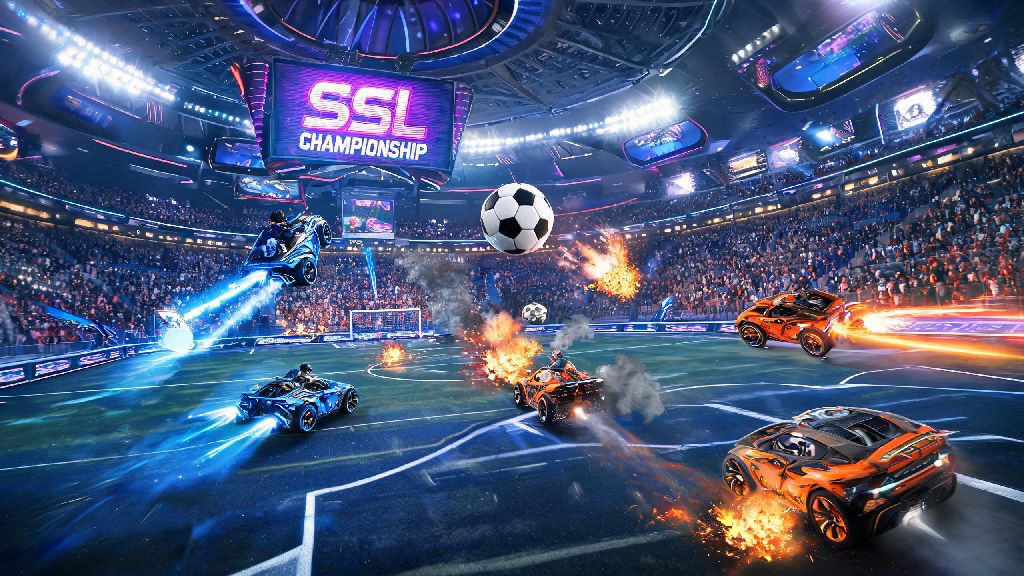
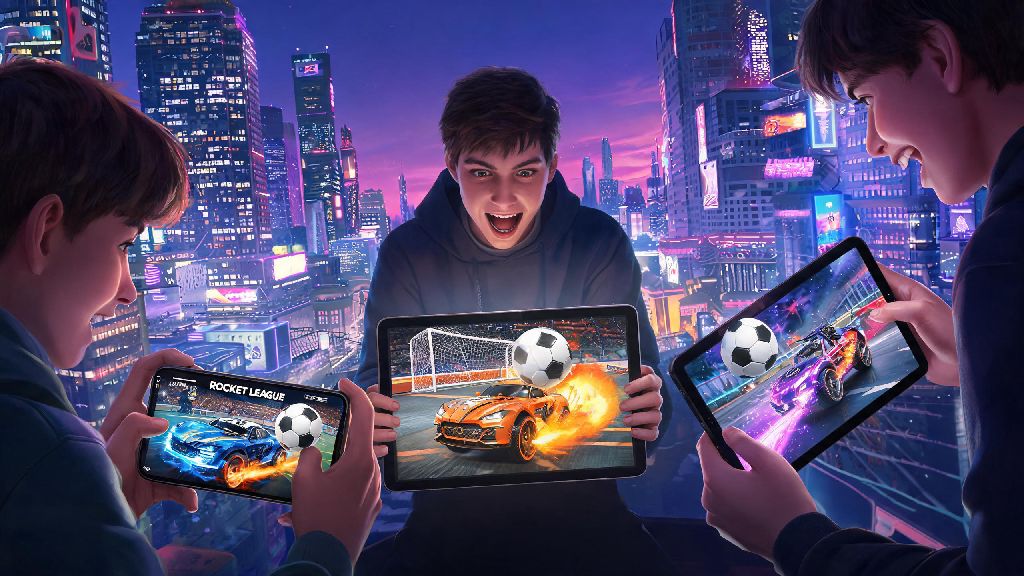
If you’ve ever spent 20 minutes waiting for a delayed bus, or stuck in a boring extended family gathering scrolling for something fun to play that doesn’t require 40 minutes of your time, you’ve probably wondered if you can jump into your favorite soccer-meets-racing title on the go. It’s no surprise that one of the most common questions casual and hardcore Rocket League fans search for every month is is rocket league on mobile. For years, players have begged Psyonix to port the fast-paced, chaotic game to iOS and Android, and there’s a lot of misinformation floating around about official releases, knockoff apps, and workarounds to play on your phone without a console or PC. We’re breaking down everything you need to know, from official Psyonix updates to the best alternatives that feel just like the real thing when you don’t have access to your main gaming setup.
Is Rocket League on Mobile? Official Psyonix Updates You Need to Know
The short answer to the core question is no, the full 3D original version of Rocket League is not available for iOS or Android devices right now. Psyonix has not announced any plans to port the full game to mobile either, mostly because the original’s complex control scheme and competitive balance would be nearly impossible to adapt to touchscreens without alienating long-time players or ruining the ranked experience. That doesn’t mean there’s no official Rocket League content for mobile, though.
In 2021, Psyonix released Rocket League Sideswipe, a free-to-play 2D mobile spin-off built exclusively for phone play. Sideswipe has been downloaded over 100 million times globally, so it's a hugely popular alternative that has a massive active player base. I tested Sideswipe for a month when it first launched, and it’s surprisingly close to the full game’s vibe, even with the 2D format. You still get the same satisfying boost jumps, last-second goal saves, and goofy customization options for your car that make the original so addictive. Matches only last two minutes, which makes it perfect for quick play sessions when you’re out and about.
What to Know About Unofficial "Rocket League" Mobile Apps
If you’ve searched for Rocket League on app stores before, you’ve probably seen dozens of apps that use the official logo and claim to be the full 3D mobile port of the game. Never download apps that claim to be the full original Rocket League for mobile — every single one of these is a fake, and most come with significant risks that aren’t worth the small chance of playing the game on your phone.
- Most fake apps are loaded with intrusive, unskippable ads that pop up mid-game, even if you pay for supposed "ad-free" upgrades that never actually work
- Many ask for unnecessary permissions, like access to your contacts, location, or camera, that have no relation to the game itself and can be used to steal your personal data
- Some are designed to steal account credentials if you try to log in with your Epic Games account to sync progress, putting your main Rocket League account at risk of being hacked
- The gameplay is almost always low-quality, with clunky controls, broken physics, and none of the original game's features like ranked play or cross-party support
I tested three of the most popular knockoff apps from a third-party app store a couple years back, and none of them lasted more than 10 minutes on my phone. One kept crashing mid-match, another kept asking for my credit card info for "premium car skins" that never showed up after I paid a $4.99 fee. If you see an app on the Google Play Store or Apple App Store that uses the official Rocket League logo and claims to be the full 3D game, report it immediately. Both app stores have rules against intellectual property infringement, but fake apps slip through the cracks all the time, especially on less regulated third-party platforms.
Top Alternatives If You Want a Rocket League-Like Experience on Mobile
You don’t have to settle for fake apps to get your car soccer fix on mobile. There are several polished, safe options that deliver the same fast-paced fun you’re looking for, starting with the official spin-off. Rocket League Sideswipe is the closest you’ll get to the official experience on mobile, no question. It’s made by the same team that built the original game, so you know it’s safe, well-optimized, and gets regular updates with new content and events. You can log in with your Epic Games account to sync some of your existing cosmetics from the main game, and it has all the same game modes you know and love, including 1v1, 2v2, Hoops, and ranked play.
If you really want a 3D car soccer experience, Turbo League is the most polished alternative available right now. It’s not affiliated with Psyonix, but it has very similar physics, 3D maps, and customizable controls that feel close to the original game. It has ads, but you can pay a small one-time fee to remove them if you play regularly. Another solid casual option is Soccer Rally 2, which is more arcade-focused and has simpler controls that are great for new players who don’t care about competitive ranked play.
If you have a Steam Deck or other portable Windows handheld, you can absolutely play the full original Rocket League on that device, but that’s not technically a mobile phone experience. You can also use cloud gaming services to stream the full Rocket League to your phone, but you’ll need a very strong Wi-Fi or 5G connection to avoid lag that will make the game unplayable.
Tips for Playing Car Soccer Games on Mobile Without Frustration
Even the best mobile car soccer games can feel frustrating if you don’t set them up properly for your play style. The first thing you should do after downloading any of these games is adjust the control layout to fit your hands. Don’t stick to the default button positions, since they’re designed for average-sized hands and might not work for you if you have smaller or larger hands, or if you prefer to play with one hand sometimes. Spend 10 minutes in training mode adjusting your controls before you jump into ranked matches, it will save you so many missed shots and bad passes later.
Next, turn off background app refresh and non-essential notifications when you play. Nothing is worse than a text message or social media notification popping up right as you're about to hit a game-winning goal. Most new phones have a dedicated gaming do not disturb mode that blocks all notifications except calls from your favorite contacts, so turn that on before you start playing. If you have an older phone, lower your graphics settings to medium to avoid lag and frame drops during fast-paced matches. The difference in visual quality is barely noticeable, but the improved responsiveness will make it way easier to win matches.
If you play mobile games regularly, investing in a cheap Bluetooth controller and a phone clip is a total game changer. You can find these sets for less than $20 online, and they make the experience feel almost identical to playing on a console. I started using one for Sideswipe last year, and I climbed three ranks in less than a week just because the controls were so much more precise than touch inputs.
At the end of the day, if you're still asking is rocket league on mobile, the short answer is that the full original 3D version isn't available on iOS or Android right now, but you have plenty of great options to get your car soccer fix on the go. The official Rocket League Sideswipe is a perfect casual or competitive alternative, and it's made by the same team that created the original, so you know you're getting a polished, safe experience without the risk of fake apps or malware. You don't have to be tied to your console or PC to enjoy the chaotic fun of rocket-powered cars flying into soccer balls, as long as you pick the right options for your play style. Next time you're stuck waiting around somewhere, you can pull out your phone and jump into a 2-minute match without any hassle, no big gaming setup required.