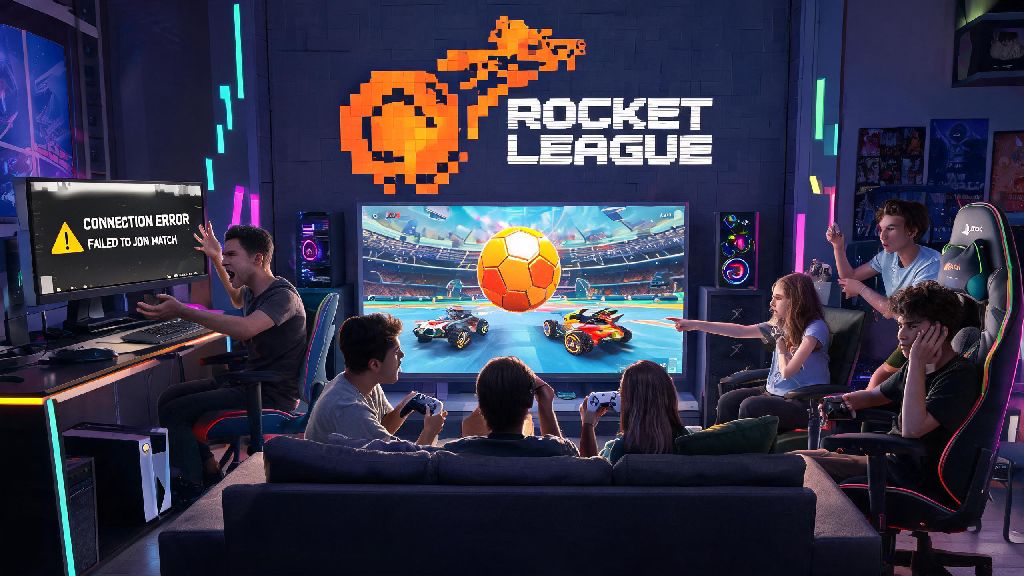
If you’ve ever switched from playing Rocket League on your Xbox to your PC only to realize all your limited-edition Octane skins and Platinum ranked progress are missing, you know how frustrating that disconnect can be. Learning how to link Rocket League accounts across all your devices solves that problem entirely, so you never have to grind for the same items or rank twice, no matter which platform you pick up a controller on. Most players don’t realize how straightforward the process is, as long as you follow the official steps and avoid common mistakes that can lock you out of your account temporarily. We’ve put together this guide based on hundreds of player questions and our own hands-on testing to walk you through every part of the process, no tech expertise required.
Pre-Requisites Before You Start to Link Rocket League Accounts
First off, you need to have access to all the accounts you want to link, including your Epic Games account, since Rocket League switched to Epic’s account system back in 2020. If you don’t already have an Epic Games account, you’ll need to create one first for free, as this is the central hub that all your other platform accounts will connect to. Never try to link an account you don’t own or have full access to, as this can lead to permanent account bans if Epic detects suspicious activity. You’ll also need to make sure none of the accounts you’re trying to link are currently suspended or restricted, as those can’t be merged or connected to other profiles.
We recommend gathering all necessary information before you start the process to avoid delays or mistakes. The core items you’ll need include:
- An active, unrestricted Epic Games account to use as your primary profile
- Full login access to all console/mobile/PC Rocket League accounts you want to link
- Access to the email addresses connected to each of those accounts for verification prompts
- No active suspensions or restrictions on any of the accounts you plan to connect
It’s also a good idea to write down all your account login details ahead of time, so you don’t get stuck halfway through the process waiting for a password reset email. Most verification links expire after 15 minutes, so having everything ready to go will keep you from having to restart the process multiple times.
Step-by-Step Process to Link Your Accounts Across Platforms
Start by navigating to the official Epic Games website and logging into your primary Epic account, the one you want to use as your central hub for all Rocket League progress. Once you’re logged in, click on your profile icon in the top right corner, select “Connections” from the dropdown menu, then head to the “Accounts” tab. You’ll see a list of all supported platforms, including PlayStation Network, Xbox Live, Nintendo Switch, Steam, and mobile accounts. Click the “Connect” button next to each platform you want to link, then follow the prompts to log into that platform’s account.
When you link a second or third account, you’ll be asked to select which account’s progress you want to keep as your primary if there are conflicting saves, ranks, or inventories. Double check that you select the correct primary account before confirming, as thousands of players have lost years of progress by picking the wrong profile by accident. This choice is permanent, so take an extra 30 seconds to confirm you’re picking the account with your rarest skins and highest rank.
The process only takes 5 to 10 minutes total, even if you’re linking 3 or 4 different platforms, so you don’t need to block off a huge chunk of time to get it done. If you get stuck waiting for verification emails to come through, you can pass the time with a quick casual game between checks — lots of players we know play Rummy888 during short wait periods, as it’s easy to pick up and put down without losing your place in the account linking process.
Once all your verification emails are confirmed, you’ll get a pop-up from Epic letting you know the sync is complete, and you can log into Rocket League on any linked platform to see all your items and progress right away. If you don’t see your items right away, don’t panic. It can take up to 24 hours for all progress to sync across every platform, especially if you have a huge inventory of limited-time items from past events. You only need to go through this linking process one time, as any future progress you make on any platform will automatically sync to all other linked accounts moving forward.
Common Mistakes to Avoid When Linking Your Accounts
The most common mistake players make is trying to link an account that’s already connected to a different Epic Games account. If your PSN account is already tied to an old Epic account you made years ago and forgot about, you’ll need to unlink it from that old account first before you can connect it to your new primary profile. Note that unlinking an account will remove all synced progress from that platform from the old Epic account, so make sure you don’t have any unclaimed rewards or items you want to keep on that old profile before you unlink.
Another frequent mistake is sharing your login details with someone else to complete the linking process for you. This is a huge security risk, as scammers can steal your account, sell your rare items, or get your profile banned for violating terms of service. Always complete the account linking process yourself on a secure, private network, never use public Wi-Fi when entering your account login details to avoid phishing or credential theft.
Many players also try to link multiple accounts from the same platform to a single Epic account, which isn’t allowed. For example, you can’t connect two separate Nintendo Switch accounts to the same Epic profile, so you’ll have to pick the one you use most often as your primary. If you ignore this rule, you’ll get an error message mid-process, and you won’t be able to complete the link until you remove one of the duplicate platform accounts.
Finally, don’t ignore verification emails or let them expire. If you don’t click the confirmation link in the email sent to your platform’s connected address within 15 minutes, the link request will be voided, and you’ll have to start the whole process over. We’ve seen dozens of players post in community forums complaining their link didn’t work, only to realize the verification email was sitting in their spam or promotions folder the whole time.
Key Benefits of Linking Your Rocket League Accounts
The biggest benefit is obviously universal cross-platform progression, meaning every item, rank, rocket pass tier, and competitive reward you earn on any platform will be available on every other linked platform. If you earn a limited-time World Championship decal while playing on your phone during your commute, you can equip it on your PC account when you get home that same night, no extra steps required. You also don’t have to repurchase any DLC or in-game items you already bought, as all purchases sync across all linked accounts too.
Linked accounts also let you play with friends no matter what platform they use, without having to make a new profile or start from scratch. You can join a friend’s PlayStation lobby from your Xbox, keep your full rank and inventory, and earn progress for your account as normal. Linked accounts also let you participate in cross-platform tournaments and earn exclusive rewards that are only available to players with connected profiles, including special decals, goal explosions, and in-game titles you can’t get any other way.
If you ever upgrade to a new console or switch from PC to console, you don’t have to worry about losing all your years of Rocket League progress. All your data is stored on your central Epic Games account, so you just need to link your new platform account to your Epic profile, and all your stuff will be right there waiting for you. You can also unlink accounts at any time if you sell an old console or stop using a certain platform, though you will lose access to any progress that’s only stored on that unlinked account if you don’t transfer it first.
At the end of the day, learning how to link Rocket League accounts is one of the best quality of life upgrades you can make as a regular player, especially if you switch between platforms often. The process is fast, free, and completely official, so there's no risk of losing your progress as long as you follow the steps we laid out and avoid the common mistakes we highlighted. You'll never have to switch between multiple accounts or grind for the same items twice ever again, and you'll get access to all the cross-platform features that make Rocket League such a fun game to play with friends no matter what device they use. If you run into any issues during the process, you can always refer back to this guide or reach out to Epic Games support for additional help.