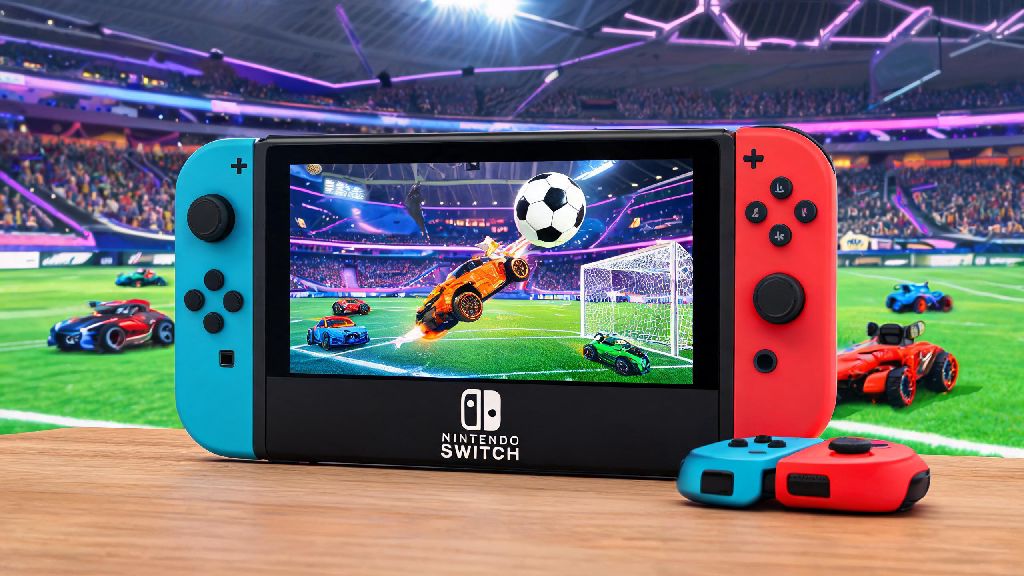
If you’re a Nintendo Switch owner scrolling for fun multiplayer games to play on your commute or with friends at a house party, you’ve likely asked wait, is Rocket League on the Nintendo Switch? at some point. As someone who’s put over 400 hours into Rocket League across console, PC, and portable platforms, I’ve tested every version extensively to see how each holds up for casual and competitive players alike. I’ll break down everything from availability to performance, hidden quirks, and whether the Switch port is worth downloading for your playstyle.
Is Rocket League on the Nintendo Switch? Full Availability Breakdown
The short answer is yes, Rocket League has been available for the Nintendo Switch as a free-to-play download since 2020, after first launching on the platform as a paid title in 2017. You can grab it directly from the Nintendo eShop in minutes, as the total file size is just under 10GB, so it won’t take up too much space on your console’s internal storage or SD card. You will need an active Nintendo Switch Online subscription to play online matches, but offline modes like exhibition, custom games, and single-player season mode are fully accessible without a subscription. Physical copies of Rocket League for Switch were discontinued a few years ago, so you won’t find new retail copies in most stores, though secondhand copies do pop up occasionally if you prefer physical media.
How Does the Switch Version of Rocket League Perform?
Psyonix put a lot of work into optimizing Rocket League for the Switch’s limited hardware, and the end result is way more polished than most players expect. Framerate stays locked at 60fps for nearly all match types, which is non-negotiable for a fast-paced game where split-second reactions decide if you score a game-winning aerial or miss an easy save. If you’re used to playing Rocket League on a high-end PC or new generation console, the Switch version will look noticeably less crisp, with lower resolution textures and toned-down cosmetic effects to keep performance consistent. Docked mode runs at 900p resolution, while handheld mode sits at 720p, so visuals are soft but totally playable on the Switch’s small screen. Load times are a bit longer than on other consoles, usually taking 10 to 15 seconds longer to get into a match, but that’s a minor tradeoff for portability for most players.
Crossplay and Cross-Progression Support for Switch Rocket League
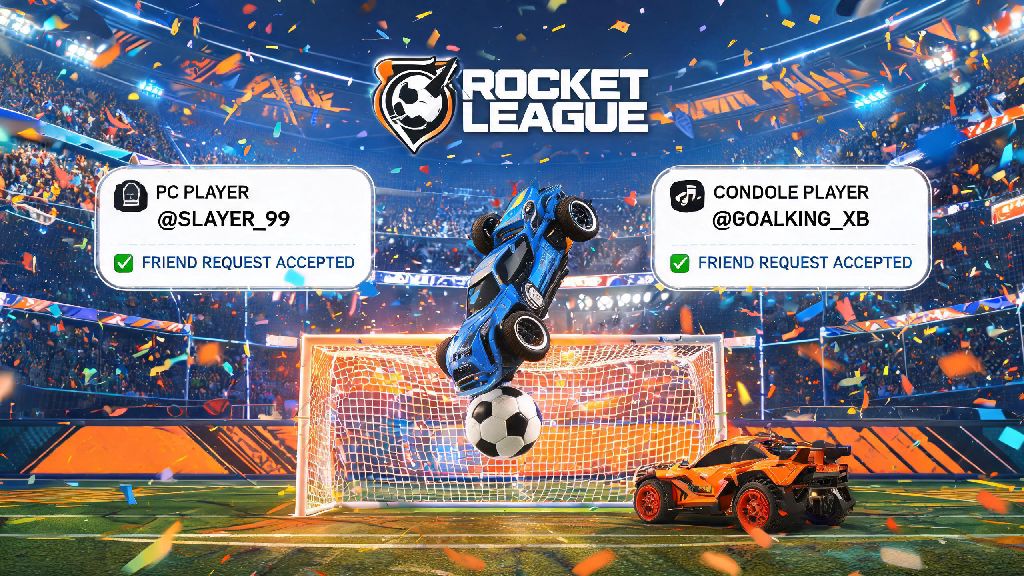
One of the best parts of the Switch port is that it has full crossplay and cross-progression support, just like every other version of the game. If you link your existing Epic Games account to your Switch profile, all your skins, rank progress, battle pass tiers, and in-game currency will carry over immediately, so you don’t have to start from scratch if you already play on another platform. Crossplay is enabled by default, so you can match up with or against players on PC, PlayStation, and Xbox without any extra setup. There are a few key details to keep in mind for crossplay on Switch:
Tips to Get the Best Rocket League Experience on Switch
While the Switch port of Rocket League is great right out of the box, there are a few small tweaks you can make to get a way better experience, especially if you play ranked matches regularly. First, use a wired ethernet connection when docked if you can, as the Switch’s built-in Wi-Fi is notoriously spotty for fast-paced online games, and lag spikes can cost you entire matches. Turn off background downloads before you start a ranked match to free up system resources and reduce unexpected lag or frame drops mid-game. For competitive play, we recommend using a Pro Controller instead of Joy-Cons to get more precise input and avoid hand cramping during long grinding sessions. If you play mostly in handheld mode, calibrate your joysticks every few months to avoid Joy-Con drift that can mess up your turns and aerials. For local game nights, you can connect up to 4 controllers to one Switch for split-screen play, which runs surprisingly smoothly even with four players going at once.
At the end of the day, the answer to is rocket league on the nintendo switch is a resounding yes, and it’s one of the best portable multiplayer games you can download for the platform right now. It’s not the most visually impressive version of the game, but the stable framerate, full crossplay support, and ability to play both at home on your TV and on the go make it a great pick for casual players and competitive players who want to practice away from their main console. If you already play Rocket League on another platform, linking your account will let you pick up right where you left off without losing any of your progress, so there’s almost no downside to giving the Switch port a try. Just don’t forget to charge your controllers before a long ranked grind, there’s nothing worse than missing a game-winning save because your Joy-Con died mid-match.