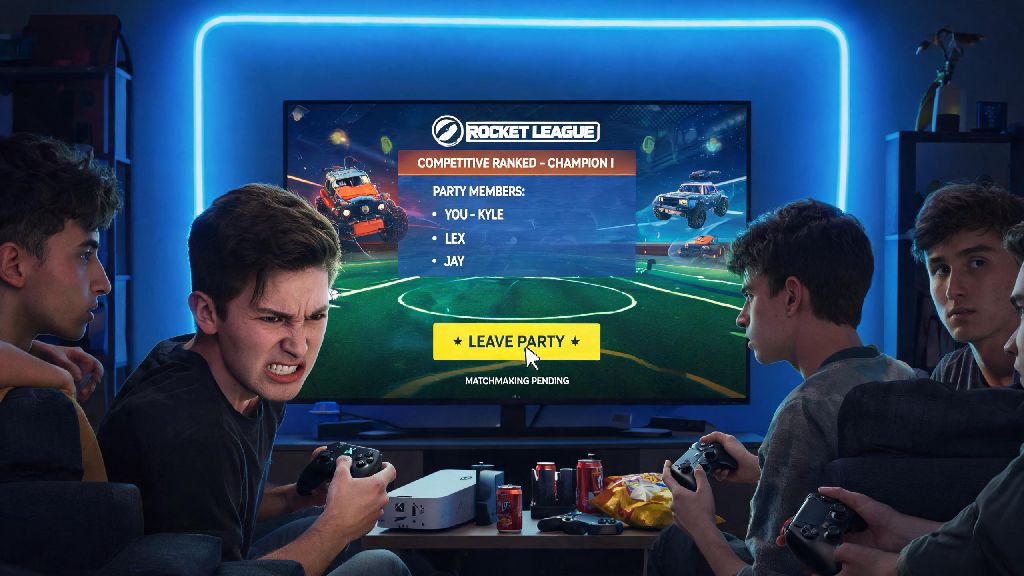
We’ve all been there: you’re grouped up with friends for a Rocket League ranked grind, you’ve waited 10 minutes for a high-skill competitive lobby to pop, and then your roommate knocks on the door saying your takeout just got dropped off across town. Or maybe the team vibe is off, and you’d rather jump into solo queuing instead of sticking around for another 0-3 loss. Whatever your reason, knowing how to leave a party in Rocket League the right way saves you from annoying your friends, breaking lobbies, or even getting hit with temporary cooldown penalties you don’t deserve.
How to Leave a Party in Rocket League: Step-by-Step for All Platforms
The exact steps to exit a party vary slightly depending on what device you’re playing on, but the core rules are the same across all platforms. First, make sure you’re not in the middle of an active match unless it’s an emergency—leaving mid-match will leave your team short a player and can trigger a ranked cooldown. If you’re in a pre-queue or post-match lobby, you can exit safely with just a few taps or clicks.
For PC players on Steam or Epic Games, click the small social icon in the top right corner of your main menu or lobby screen, navigate to the “Party” tab, click the three dots next to your display name, and select “Leave Party”. For console players on PlayStation, Xbox, or Nintendo Switch, press your controller’s options/menu button, scroll to the social menu, select your active party, and choose the leave party option. For mobile players on Rocket League Sideswipe, tap the three-line menu in the top left corner, select “Party”, and tap the exit icon next to your profile card.
The one step most players skip is checking if they are the active party leader before leaving. If you’re the leader, your exit will automatically disband the entire party, even if other members were minutes deep into a queue for a competitive tournament. To avoid this, open the party menu, click the three dots next to another active party member’s name, and select “Make Party Leader” before you exit. This takes two extra seconds and saves your friends from having to re-group and re-queue from scratch.
Common Mistakes to Avoid When Exiting a Rocket League Party
Even if you follow the basic steps, it’s easy to make small mistakes that cause unnecessary headaches for you and your friends. One of the most common errors is clicking “Leave Match” instead of “Leave Party” when you’re in a post-match lobby. This exits you from the entire game session instead of just the group, and if you had a pending ranked queue, you might get hit with a short cooldown for abandoning the session.
Never leave a party while you’re the active party leader if other members are still in queue. It’s easy to forget you were the one who made the group in the first place, but your exit will kick everyone out of the queue immediately, and they’ll lose their spot in line for that high-MMR lobby they waited 15 minutes to join. This is one of the fastest ways to get your friends to stop inviting you to queue sessions.
Another mistake is leaving a party mid-tournament without warning. Even if you’re not the party leader, exiting the group during an active tournament will automatically disqualify your entire team, since tournaments require a full party to continue playing. If you have a real emergency and have to leave, make sure to type a quick message in chat so your team knows what happened, instead of vanishing without a trace.
Ranked cooldowns for early party exits only apply if you leave during an active match. If you’re in a pre-queue, post-match lobby, or main menu, you can leave a party any time without worrying about penalties, as long as you’re not abandoning a match in progress. Cooldowns start at 5 minutes for first-time offenses, and can go up to 24 hours for repeated mid-match exits, so it’s worth waiting 2 minutes for a match to end if you can.
What to Do If You Can’t Leave a Rocket League Party
Sometimes, Rocket League’s social features glitch out, and you might find that your leave party button is greyed out, or clicking it does nothing. This is almost always caused by a temporary sync error between your device and the game’s servers, or an outdated game client. You don’t have to sit stuck in a party you don’t want to be in, though—there are a few simple fixes that work for 99% of these glitches.
If none of these fixes work, you can check the official Rocket League server status page to see if social features are down for scheduled maintenance. If servers are having issues, you might have to wait 15 to 30 minutes for the problem to be resolved on the developer’s end before you can leave the party. You won’t get a cooldown penalty if the party leader kicks you instead of you leaving manually, so this is always the first workaround you should try if your leave button isn’t working.
Etiquette Tips for Leaving Rocket League Parties With Friends
Following the technical steps to leave a party is important, but following basic group etiquette will make sure your friends still want to queue with you the next time you log on. First, if you know you’re only going to be gone for 10 minutes or less, just tell your friends instead of leaving the party entirely. That way, they won’t invite another player to fill your spot and leave you out when you get back.
If you’re leaving because you’re frustrated with how matches are going, don’t storm out without saying anything. A quick “sorry guys, I’m tilted, I’m gonna go play solo for a bit” keeps things friendly, instead of leaving your friends wondering if you’re mad at them. Most players have been in that tilted spot before, so they’ll understand if you need to step away for a bit to reset.
Always pass party leadership to another active member before you exit if you’re the head of the group, even if you think no one wants to keep queuing after you leave. You never know if your friends want to stay and play a few more matches without you, and passing leadership takes almost no effort. This is a small gesture that goes a long way to keep your group chats friendly and drama-free.
If you joined a party specifically for a tournament, don’t leave without warning 2 minutes before the tournament starts. This leaves your team scrambling to find a replacement, and they might miss the registration window entirely and lose out on the chance to play for rewards. If you realize you can’t make the tournament, let your team know as far in advance as possible so they have time to find someone to take your spot.
At the end of the day, Rocket League is supposed to be a fun, low-stakes game to play with friends, and small etiquette choices go a long way to keep it that way. Taking 2 extra seconds to follow the right steps when you need to exit a group keeps lobbies intact, avoids unnecessary penalties, and makes sure your friends still want to queue with you the next time you log on. Now that you know how to leave a party in Rocket League properly, you can handle last minute exits without any unnecessary stress or drama.