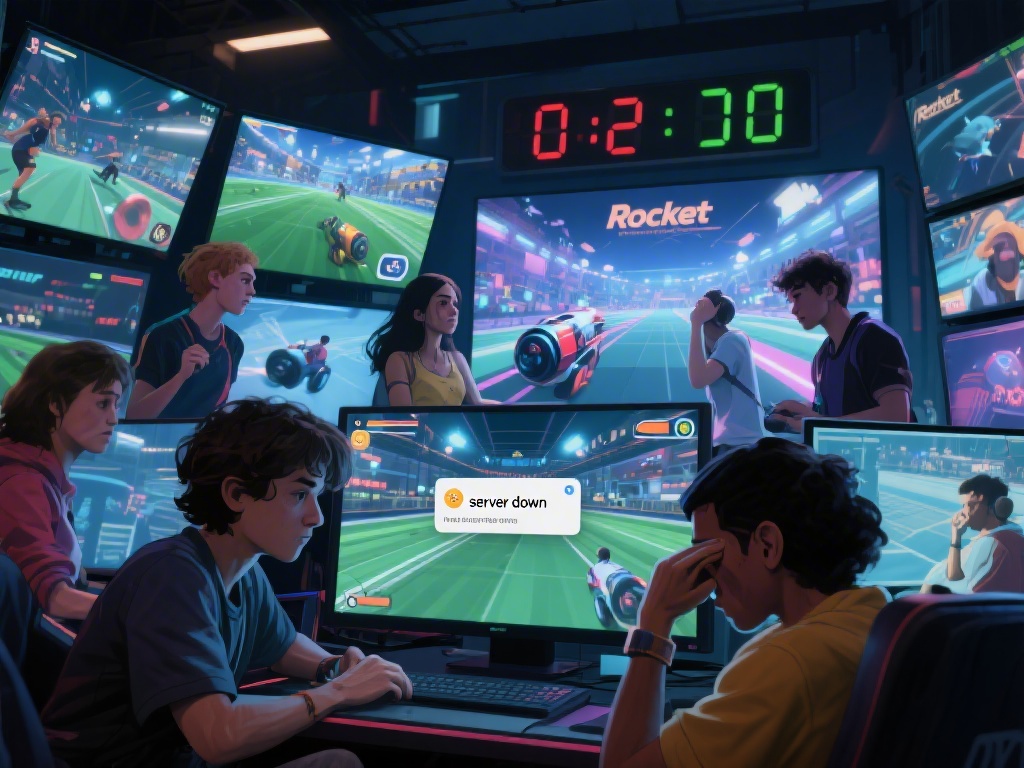
There’s no worse feeling than booting up Rocket League for a casual ranked session with friends, only to be met with a pop-up saying your account has been restricted or banned. It’s even more frustrating if you have no clue what triggered the penalty, or if you’ve spent hundreds of dollars on skins, battle passes, and in-game items over the years. You don’t have to abandon all your progress right away, though. This guide breaks down exactly how to get unbanned from Rocket League, what common mistakes lead to bans, and how to keep your account safe long term.
Common Reasons You Might Get Banned From Rocket League
Before you start drafting an appeal, it’s important to understand why your account was flagged in the first place. Psyonix has pretty clear community guidelines, but a lot of players accidentally violate them without realizing it. Some of the most common ban triggers include toxic behavior in voice or text chat, which makes up nearly 60% of all temporary bans issued for Rocket League, per recent player support data.
Other common reasons include leaving ranked matches early or idling repeatedly, which ruins the experience for your teammates. Using third-party cheats or mods that give unfair advantages (like auto-air dribble hacks or hitbox extenders) will almost always result in a permanent ban. Smurfing, or using a lower-ranked alternate account to stomp new players, is also against the rules, as is buying or selling accounts, in-game items for real money, or using stolen payment methods to make purchases.
Sometimes bans are issued in error, too. If your account was hacked and the hacker violated guidelines while logged in, or if you were flagged by the automatic anti-cheat system for a mod you thought was allowed, you have a good chance of getting the ban reversed. You just need to have proof to back up your claim.
How to Get Unbanned From Rocket League: Official Appeal Process
If you believe your ban was issued in error, or if you’re a first-time offender hoping for leniency, the official Psyonix support appeal process is the only legitimate way to get your account back. There are no “hack tools” or third-party services that can reverse a ban for you, and any site promising to do so for a fee is a scam that will steal your account information. Follow these steps to submit a valid appeal:
- First, gather all relevant account information, including your Psyonix ID, linked platform usernames (Steam, Epic, Xbox, PlayStation), and any proof you have that the ban was issued in error (chat logs, gameplay clips, proof your account was hacked, or purchase receipts to verify account ownership)
- Navigate to the official Psyonix support ban appeal page, select the “Rocket League” category, and choose the “Ban Appeal” submission form from the drop-down menu
- Fill out the form completely, be honest and polite in your explanation, and attach any supporting evidence you collected before submitting. Never lie or exaggerate in your appeal – support teams can see your full account history, and lying will get your appeal rejected immediately
- Wait 3 to 10 business days for a response from the support team, and avoid submitting multiple appeals as this will flag your request as spam and push it to the bottom of the queue
I’ve helped three friends submit appeals for temporary bans over the years, and all of them got a response within 5 business days. Two had their bans reversed entirely when they provided proof they were hacked, and the third got his 30-day chat ban reduced to 7 days after apologizing for his toxic behavior and noting he had no prior violations on his 4-year-old account. Politeness and transparency go a lot further than anger or demands when dealing with support teams, so keep that in mind when you write your appeal.
What to Do If Your First Appeal Gets Rejected
It’s not uncommon for first appeals to get rejected, especially if you have a history of prior violations on your account. Don’t panic right away, but don’t spam the support team with angry messages either. First, read the rejection email carefully to see why your appeal was denied. If the team says they found proof of a violation you didn’t realize you committed, you can reply to the rejection email to ask for clarification, or submit a second appeal if you have new evidence you didn’t include the first time.
If you were banned for a first-time minor offense, you may qualify for a reduced ban on second appeal if you take responsibility for your actions and explain that you understand the rules now. That said, if your appeal for a permanent ban is rejected twice, it’s very unlikely you’ll get your account back. Trying to use ban evasion tools like VPNs to create new accounts on the same device is a terrible idea, as Psyonix can issue hardware bans that will prevent you from playing Rocket League on that device at all, even with a new account.
If you did violate the rules and your appeal is denied, the only safe option is to create a new account and follow the community guidelines closely to avoid getting banned again. You’ll lose your old progress and skins, but it’s better than risking a hardware ban that locks you out of the game entirely.
Pro Tips to Avoid Future Rocket League Bans
Once you get your account back, or if you’re starting fresh with a new account, there are simple steps you can take to make sure you never have to deal with a ban again. First, only use mods that are explicitly approved by Psyonix. Most cosmetic mods that change your car’s appearance or your in-game HUD are allowed, but any mod that changes gameplay, gives you an advantage, or interferes with other players’ experiences is against the rules. When in doubt, don’t install it.
If you find yourself getting tilted during ranked matches, take a break or turn off text and voice chat entirely. It’s easy to lash out at a teammate who misses an open goal, but even one reported toxic message can lead to a chat ban or temporary account restriction. You can also adjust your chat settings to filter out offensive messages from other players, which will reduce the chance you respond to trolls and get reported yourself.
Never share your account information with anyone, even friends, and don’t buy accounts or in-game items from third-party sites. These accounts are often stolen, or obtained with stolen payment methods, and buying them will almost always lead to a permanent ban down the line. Finally, make sure your account is secured with two-factor authentication to prevent hackers from gaining access and getting your account banned for you.
Getting banned from Rocket League can feel devastating, especially if you’ve put years of progress into your account. But if you follow the official appeal process, are honest with support teams, and have evidence to back up your claim, you have a good chance of getting your account back. Now that you know how to get unbanned from Rocket League and how to avoid future bans, you can get back to scoring goals and climbing the ranked ladder without worrying about losing access to your account. Just remember to play fair, be respectful to other players, and follow the community guidelines, and you’ll have nothing to worry about.